Manga Panel Portrait
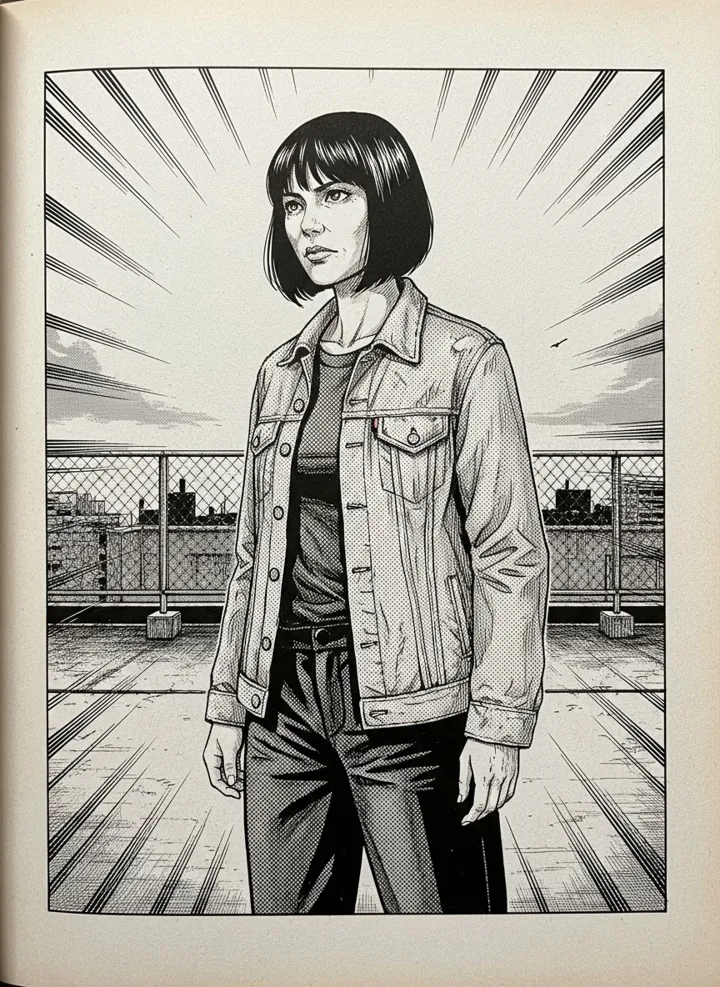
Turn your selfie into a dramatic manga panel, complete with ink lines, screentones and speed lines.
The free prompt (copy and paste)
The prompt (some people call it the trend "code") works in ChatGPT, Gemini or any AI image app that accepts a photo: copy it, attach your selfie, and fill in the parts in [brackets].
Redraw the person in my photo as a hand-drawn manga panel. Use crisp black ink linework, dot screentone shading, dramatic speed lines and a [black-and-white / full-colour] finish. Set the scene as [action pose / school rooftop at sunset / rainy city street] with a [heroic / calm / intense] mood. Keep their face shape, features and expression clearly recognisable, and keep their exact hairstyle, hair colour (as tone in black-and-white), skin tone and clothing. Only add glasses or jewellery if they wear them in the photo. It must look fully illustrated, not like a filtered photo. No text, speech bubbles, brand names or logos.
Copied. Paste it into ChatGPT or Gemini with your selfie.
Or let TrendBooth do it in one tap: your face stays yours, 4 versions at once, no prompt fiddling. Your first preview is free.
Make mine freeTips for a better result
- A clear front-facing selfie gives the most recognisable result.
- Choose full colour if you want your hair colour to show.
- Try an action scene for the most dramatic speed lines.
Captions to post with it
For Instagram, TikTok or your story. Tap to copy.
- Main character energy, now in ink
- My origin story starts on page one
- Plot twist: I was a manga all along ✨
- Screentones suit me, honestly
- Volume 1 is out now (in my head)
- Speed lines make everything more dramatic
More examples
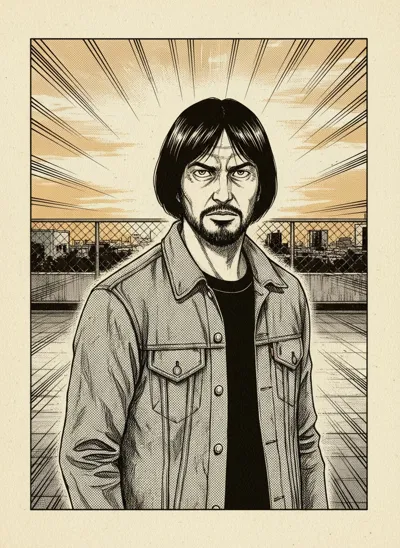
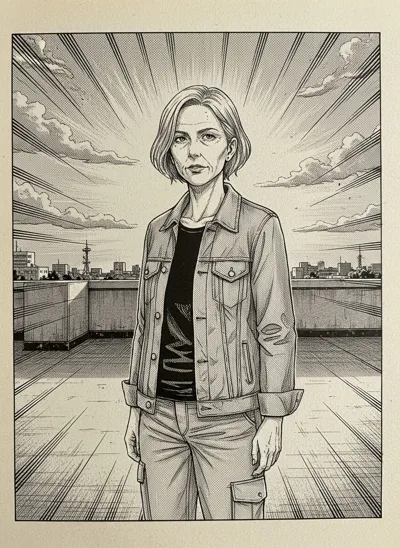
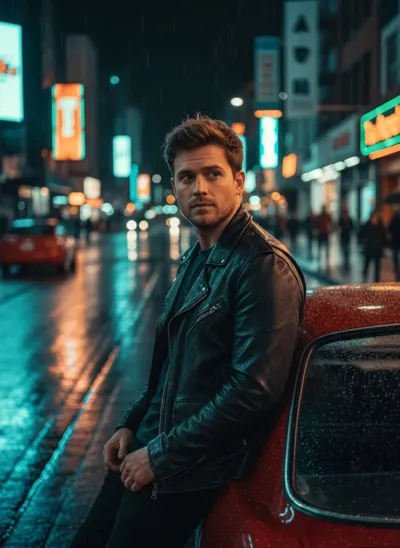
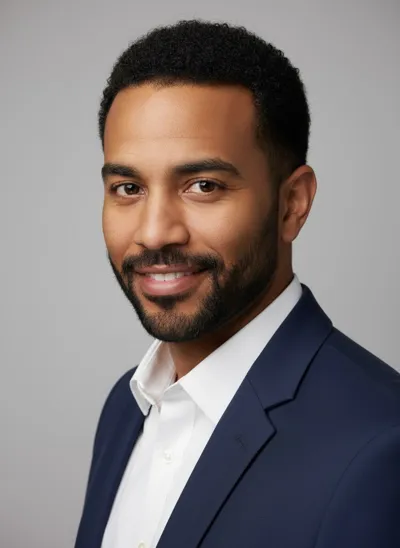
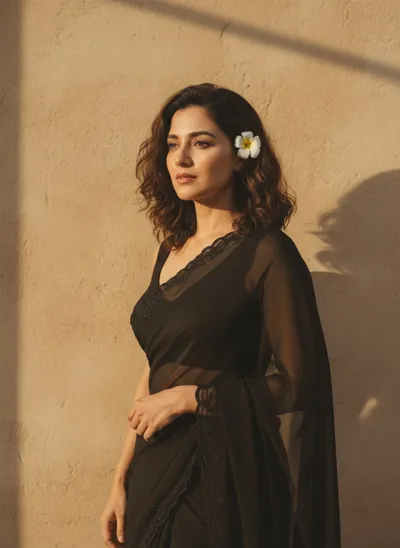
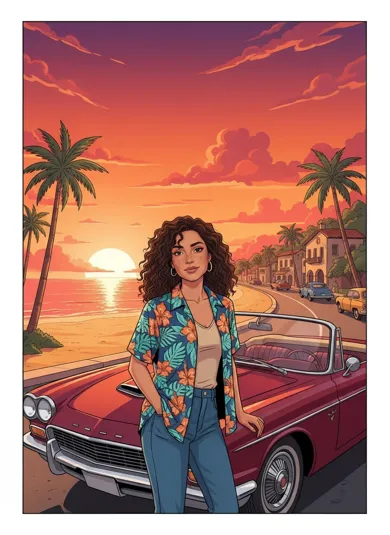
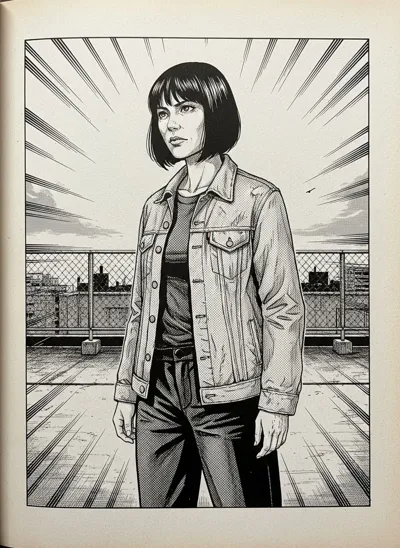
All examples show fictional people, made with AI.
Questions about this trend
Is the manga panel prompt free?
Yes, the prompt on this page is free to copy and paste into any AI image tool that accepts a photo.
How do I make the manga filter trend?
Upload your selfie to an image AI, paste the free prompt from this page and fill in the brackets for colour and scene.
Why does my result still look like a photo?
Add a line asking for heavier ink outlines and screentone shading, and make sure the prompt says it must look fully illustrated.