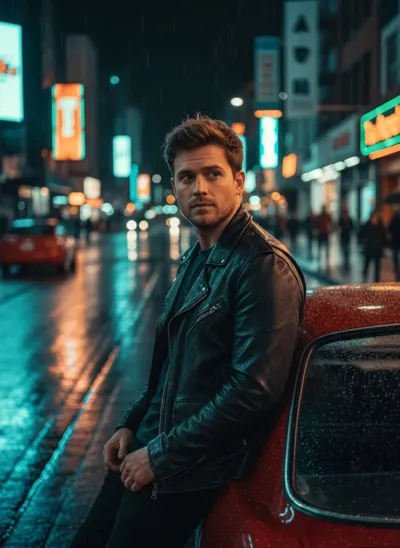
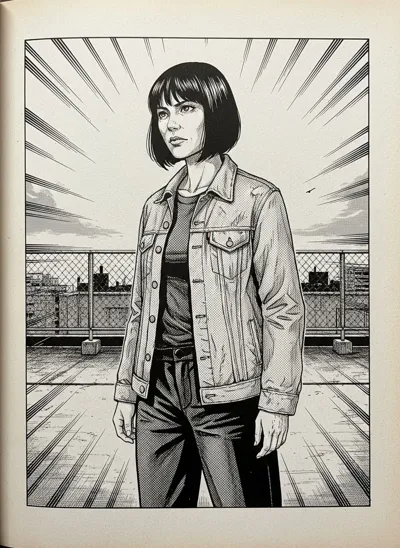
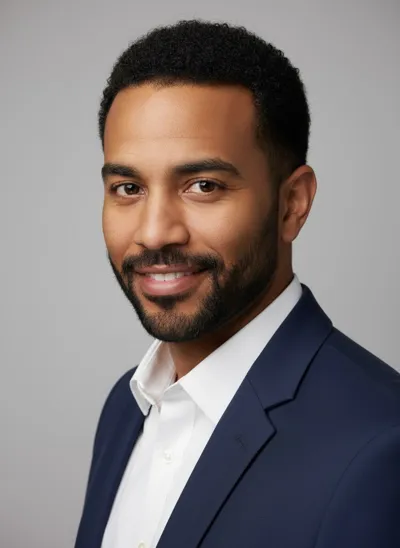
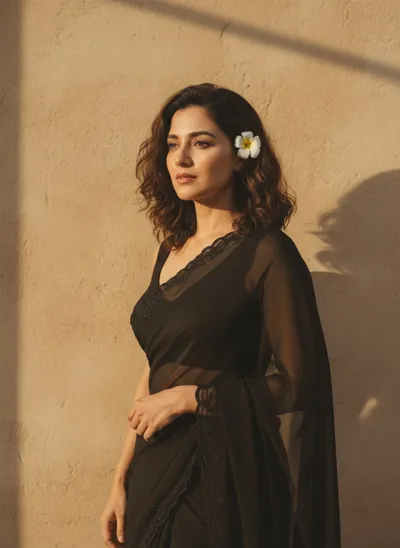
Renaissance portrait
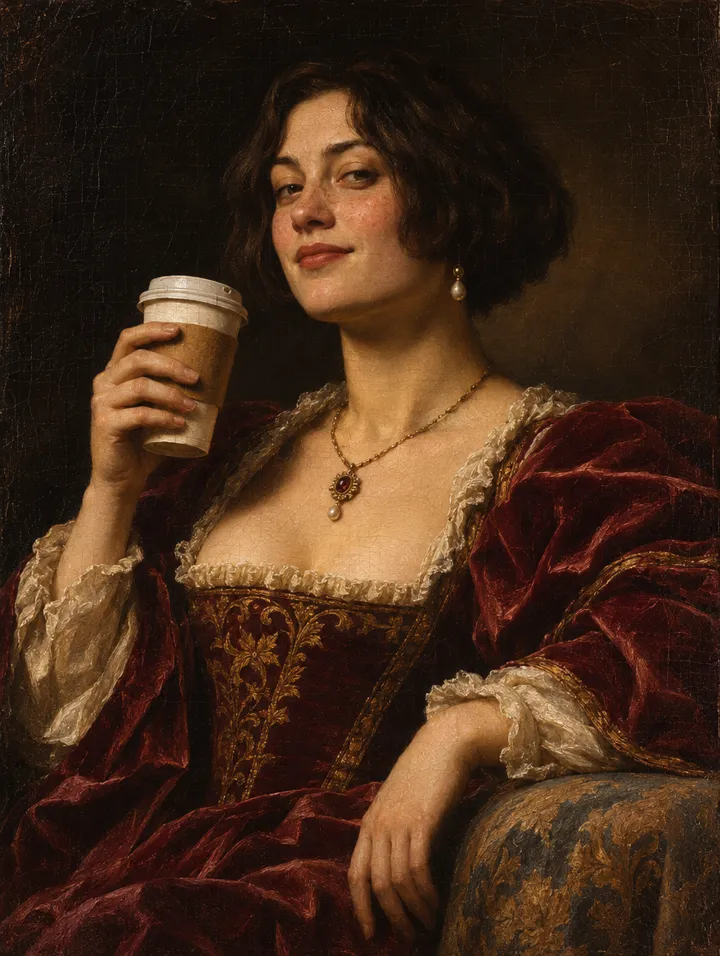
You, painted in oil in 1520. Velvet, candlelight, and your takeaway coffee.
The free prompt (copy and paste)
The prompt (some people call it the trend "code") works in ChatGPT, Gemini or any AI image app that accepts a photo: copy it, attach your selfie, and fill in the parts in [brackets].
Paint the person in my photo as a Renaissance oil portrait. Keep their face exactly. Velvet period clothing, dark background, Rembrandt lighting, visible brush strokes and fine craquelure. They are holding a modern [object] as a playful anachronism.
Copied. Paste it into ChatGPT or Gemini with your selfie.
Or let TrendBooth do it in one tap: your face stays yours, 4 versions at once, no prompt fiddling. Your first preview is free.
Make mine freeTips for a better result
- A three-quarter angle selfie looks most like a classic portrait.
- The modern object is what makes people stop scrolling.
- Ask for a gold frame for a museum-wall look.
Captions to post with it
For Instagram, TikTok or your story. Tap to copy.
- Painted in 1520. Still checking my phone.
- Commissioned by the royal court. Paid in exposure.
- Old soul, oil on canvas.
- Hang this one in the museum, next to the other masterpieces.
- Velvet, candlelight and absolutely no notifications.
- Portrait of a noble, circa now 🖼️
More examples
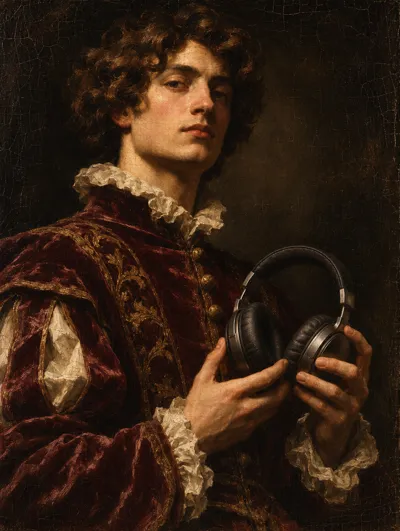
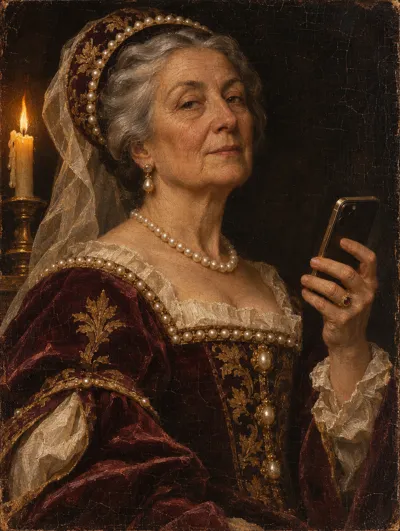
All examples show fictional people, made with AI.
Questions about this trend
How do I make a Renaissance portrait of myself with AI?
Use the prompt on this page with a clear selfie, or upload it to TrendBooth for 4 versions.
Can I print it?
Yes. TrendBooth downloads are full size, good for prints up to A4.
Can I do a couple portrait?
Two people in one photo works, but faces are kept best with one person.